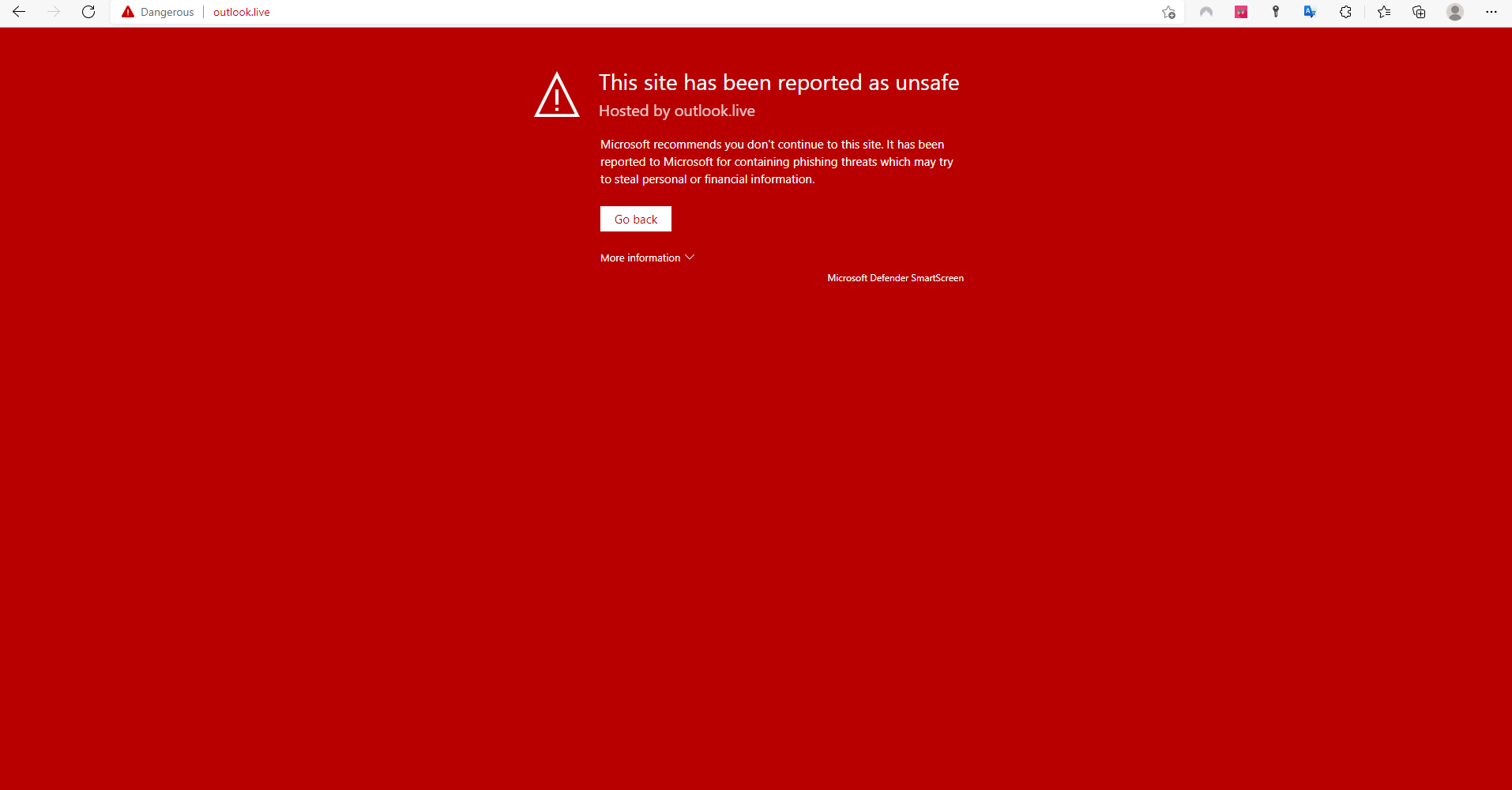
Lookalike domains work because the reader is in a hurry. This checklist takes one minute and defeats almost every variant. Use it alongside the login guide every time credentials are entered, and go deeper into account hygiene with the safe login practices article.
Six checks before typing anything
- Read the domain letter by letter. Lookalike characters — n and rn, l and I, the digit zero and the letter O — are the oldest tricks and they still work.
- Type the address yourself or use a bookmark. Never arrive at a credentials page through a link in a message or an ad.
- Check the certificate, but do not stop there. The padlock only means the connection is encrypted — scam sites have padlocks too.
- Compare against your bookmark. A page that differs from the saved one, even slightly, is an alarm.
- Distrust urgency. "Your account will be blocked in 24 hours" is designed to stop you thinking. No legitimate service imposes deadlines like that.
- Do not trust paid ad results. The top of a search page is not proof of authenticity — ads can be bought for any domain.
If it already happened
Change the password immediately from a device you are confident is clean, starting with the most at-risk screen. Enable two-step authentication if it is not on yet. Write down what happened — a timeline helps official support act.
A similar situation affects the app: fake files borrow the same name. The verification principle is identical.